Drive A Tuk Tuk Controls Overview
Advanced driving habits for traffic, weather, day/night cycles, and personal records.
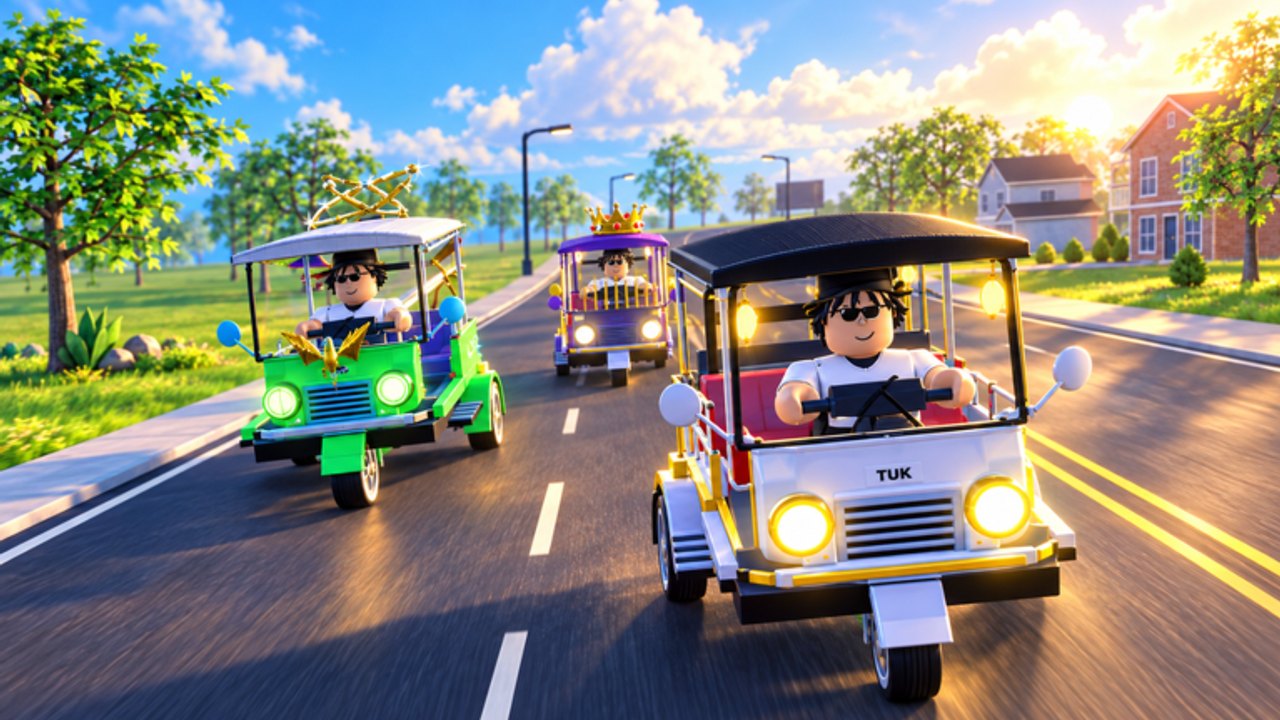
This hub is the Controls Overview for Drive A Tuk Tuk — deeper road craft than the basic bind page. Lumora Inc.’s Roblox tuk-tuk simulator rewards players who treat traffic, weather, and stamina as part of the build. Use Controls for device inputs first, then come here to drive like you mean the cash and the leaderboards.
From inputs to instincts
Knowing WASD is not the same as choosing when to lift, when to pass, and when to abandon a record run. Strong drivers:
- Plan brake points before corners, not during them.
- Watch two vehicles ahead, not only the bumper in front.
- Change goals when weather shifts instead of forcing daylight habits at night.
- Separate cash sessions from record sessions so one bad PB attempt does not ruin quest progress.
If you are still crashing through the tutorial loop, finish Getting Started and the practice drills on Controls before optimizing anything below.
Traffic awareness
Busy Roblox servers create moving puzzles:
- Leave space — tuk-tuks need room to brake; draft less than you would in a pure racing title.
- Pass on straights — overtakes into blind corners erase both cars’ progress.
- Expect the unexpected — other players stop for menus, cameras, or scripts. Drive around chaos instead of through it.
- Honk sparingly — if a horn exists in your build, use it as a warning, not a personality.
- Avoid collision bait — clipping someone to “keep speed” often spins you harder than lifting for half a second.
Community-reported traffic systems and ESP tools show up in Scripts menus. They are unsupported. Learning to read traffic with your eyes keeps you useful even when automation breaks.
Weather and day/night driving
Environments in Drive A Tuk Tuk are not wallpaper. Weather and lighting change what “fast” means.
| Condition | Habit adjustment |
|---|---|
| Clear day | Best for speed quests and PB attempts |
| Rain / slick feel | Earlier brakes, less heroic overtakes |
| Fog / low visibility | Lower cruise speed; follow larger landmarks |
| Night | Watch headlights/glare; confirm light toggles if available |
| Dense urban night | Prioritize handling/brakes upgrades before ego speed |
When a weekly demands high speed and the sky opens up, wait. Doing the objective later still beats failing it five times in a storm. Quest timing tips live in Quests.
Building a driver’s upgrade path
Your hands and your shop must agree:
- If you panic-brake late, buy brakes before another top-speed tick.
- If exits feel dead, buy acceleration.
- If the wheel fights you mid-corner, buy handling.
- If the chassis is stable and soft, buy speed or save for the next tuk-tuk on the Tier List Hub.
Full spend logic: Upgrades. Cash routing: Earn Cash Fast.
Record chasing (top speed & distance)
Records are a different sport from quest farming.
Top speed prep
- Pick dry daylight and lower traffic if possible.
- Warm up tires/hands with one clean lap (figuratively — know your brake markers).
- Use the longest safe straight you know.
- Abort if a player cuts in; a wrecked PB run wastes the session.
Distance prep
- Plan a marathon route with fuel-for-focus: fewer ultra-tight alleys, more recoverable mistakes.
- Stack distance weeklies so the attempt pays twice.
- Pause for real-life breaks; fatigue causes the crashes that wipe long runs.
Do not mix “finish three awkward dailies” with “all-time distance” unless those dailies truly sit on the same path.
Server and social habits
- Private or low-pop servers help practice; public servers teach traffic patience.
- Do not block garage/spawn areas while AFK in menus.
- If someone is clearly scripting erratically, create space rather than chase drama.
- Keep the Codes Hub bookmarked for freebies, but records still come from skill.
Device-specific polish
PC — stable framerate matters more than ultra settings; input consistency beats eye candy.
Mobile — landscape, larger joystick, earlier braking.
Console — learn glyph prompts once per patch; do not borrow PC key memories.
Related reading order
- Controls — binds, Autopilot T/AUTO, and drills.
- This Controls Overview — traffic and records.
- Stunts — nitro, drift, wheelie, Hang Time badges.
- Passengers — First Fare deliveries and drops.
- Races — Checkered Flag roadside checkpoints.
- Earn Cash Fast — turn composure into money.
- Gamepasses — optional Robux shop (Autopilot, multipliers, premium tuk-tuks).
- Updates — re-check habits after physics or map patches.
Driving well is the one advantage patches rarely delete. Master the overview, and every new tuk-tuk you unlock starts stronger on day one.
Frequently Asked Questions
Quick answers to the most common Drive A Tuk Tuk questions.
How is Controls Overview different from the Controls guide?
The Controls guide covers device inputs and basic drills. This overview focuses on traffic, weather, session planning, and record habits.
When should I attempt top speed records?
During clear daylight with manageable traffic, after your brakes and handling can support your speed upgrades.
Does weather really matter?
Yes. Rain, fog, and night reduce safe speed and raise crash risk, which lowers both cash and record odds.
Should I use traffic ESP scripts to drive better?
They are unsupported and risky. Learn visual scanning instead; scripts can break or cost your account.
What upgrade helps most if I keep crashing in traffic?
Brakes and handling first, plus earlier lift points. More top speed alone usually makes traffic crashes worse.