Drive A Tuk Tuk Quests Guide
Daily and weekly objectives that stack with normal driving instead of fighting it.
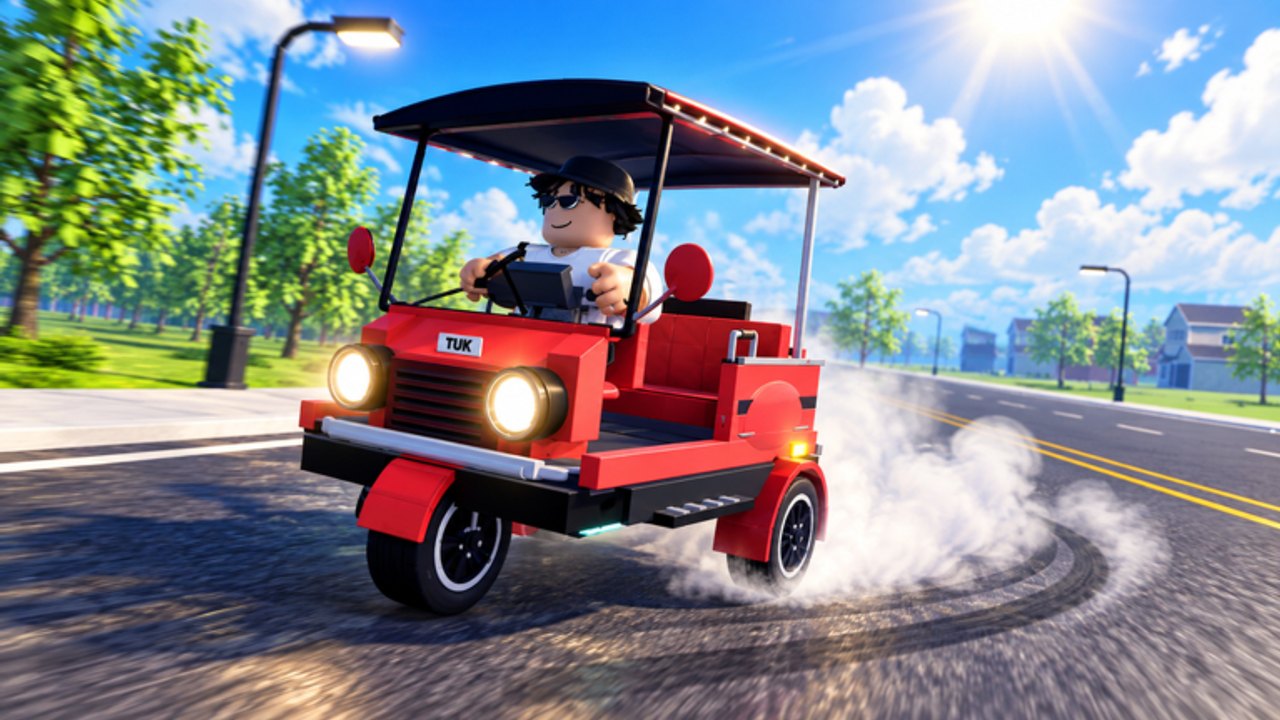
Daily and weekly quests are the schedule layer on top of Drive A Tuk Tuk’s drive-earn-upgrade loop. Lumora Inc. uses them to push players toward distance, speed, exploration, and other session goals while paying lump rewards that fund upgrades and faster tuk-tuk unlocks. This guide shows how to clear them efficiently without abandoning your cash circuit.
Exact quest text rotates. Always read the live quest panel after login and treat the categories below as planning patterns.
Why quests beat mindless grinding
A normal drive pays continuously. A quest adds a finish bonus (cash or progress) for behavior you can often complete on the same roads. Players who ignore dailies effectively run at a discount. Players who force awkward detours for every objective also lose — the skill is selecting an order that overlaps.
Open quests before you leave spawn. If you start a 15-minute farm and only then notice a “do X specific action” daily, you will redo work.
Daily quest strategy
Dailies are short-horizon goals. Use this order:
- Snapshot — Write or remember every daily: distance, speed, drive time, passenger-style tasks (if present), upgrade/spend tasks, visit/landmark tasks.
- Awkward first — Complete objectives that do not happen naturally on your cash route (visit a far district, perform a one-off interaction).
- Stack next — Run your standard circuit from Earn Cash Fast while distance/speed/time counters climb.
- Turn in early — Claim rewards as soon as they complete so cash can buy the next upgrade mid-session.
- Overflow — Use leftover time for unlock saving or cosmetics only after performance needs are met.
If a daily asks you to upgrade, buy the next item on your Upgrades priority list — never a random cosmetic just to check a box unless you truly have overflow.
Weekly quest strategy
Weeklies are marathons. Treat them as a checklist you chip away across several logins:
- Front-load weeklies that need rare conditions (specific weather, high speed thresholds, long total distance).
- Keep a mental percent-complete each day so you are not stuck at 90% on reset night.
- Pair weeklies with vehicle unlock goals: the same long-distance grinding that finishes a weekly often funds the next tuk-tuk on the Tier List Hub progression path.
- Do not burn your entire weekly reward on wheels/lights if brakes are still under-leveled for night driving.
Mapping quests to the core loop
| Quest flavor (typical) | Best paired activity |
|---|---|
| Drive distance / time | Extended cash circuit |
| Hit speed marks | Dry daylight straights after a speed upgrade |
| Survive without crashing | Handling/brakes practice routes |
| Visit areas / explore | One intentional sightseeing lap, then back to farm |
| Upgrade / spend cash | Next planned performance purchase |
| Passenger or delivery style (if present) | Community-reported systems — follow live UI, do not invent steps |
Passenger pickup and rare passenger goals appear in community discussions and some script menus. If your build includes them, follow in-game markers. If not, ignore third-party checklists that assume they exist.
Session templates built around quests
Quick daily clear (15–20 min)
Login → read dailies → finish awkward one-offs → two cash loops → claim → one upgrade if affordable → logout.
Weekly progress night (40–60 min)
Check weekly percents → choose the lowest progress bar that still overlaps your best circuit → drive focused blocks → claim any completions → bank toward unlock.
Reset-eve rescue
If a weekly is nearly done, prioritize finishing it over cosmetics or record attempts. A missed weekly is pure lost value.
Questing in bad weather or night
Environments, weather, and day/night cycles can make speed-based quests miserable. Options:
- Swap to distance/time objectives until visibility improves.
- Lower average speed targets and rely on clean distance instead of forcing a PB.
- Invest brakes/handling if night quests are a regular struggle — see Controls drills.
Forcing a top-speed weekly during a storm is how you reset progress with a crash.
Rewards routing
Default spend order for quest cash:
- Performance stats that raise your circuit’s average speed.
- Savings toward the next faster tuk-tuk when the shop gap is small.
- Cosmetics and flex purchases.
Codes are unrelated bonuses — still none verified on the Codes Hub. Scripts that auto-complete objectives risk moderation; prefer manual clears and read Scripts only for awareness.
Tracking without spreadsheets
You only need three notes:
- Which daily types repeat often (so you can pre-plan routes).
- Which weekly is usually leftover on day six.
- How much quest cash funded your last upgrade.
When a patch reworks quests, check the Updates Hub and rebuild the order instead of forcing old habits. New players should still finish Getting Started before optimizing weekly spreadsheets.
Quests are free multipliers on driving you already wanted to do. Read them first, stack them hard, spend the rewards on speed that makes tomorrow’s quests easier.
Frequently Asked Questions
Quick answers to the most common Drive A Tuk Tuk questions.
Should I do dailies before free roaming?
Yes. Read dailies at login, finish awkward objectives first, then run your normal cash circuit so distance and speed quests complete in the background.
What if a weekly resets before I finish?
Chip away each session and prioritize nearly complete weeklies on the day before reset. Missing a weekly wastes a large reward chunk.
Do quest rewards replace upgrades?
They fund upgrades. Turn rewards into speed, acceleration, handling, or brakes (or a tuk-tuk unlock) before spending on cosmetics.
Can weather block quest progress?
Bad weather mainly blocks safe speed attempts. Switch to distance or exploration objectives until conditions improve.
Are passenger quests guaranteed?
Only if your live build shows them. Passenger systems are discussed by the community; follow in-game UI rather than assuming every checklist applies.