Drive A Tuk Tuk Guides
Walkthroughs for your first ride, cash routes, upgrades, passengers, stunts, races, and the Robux shop.
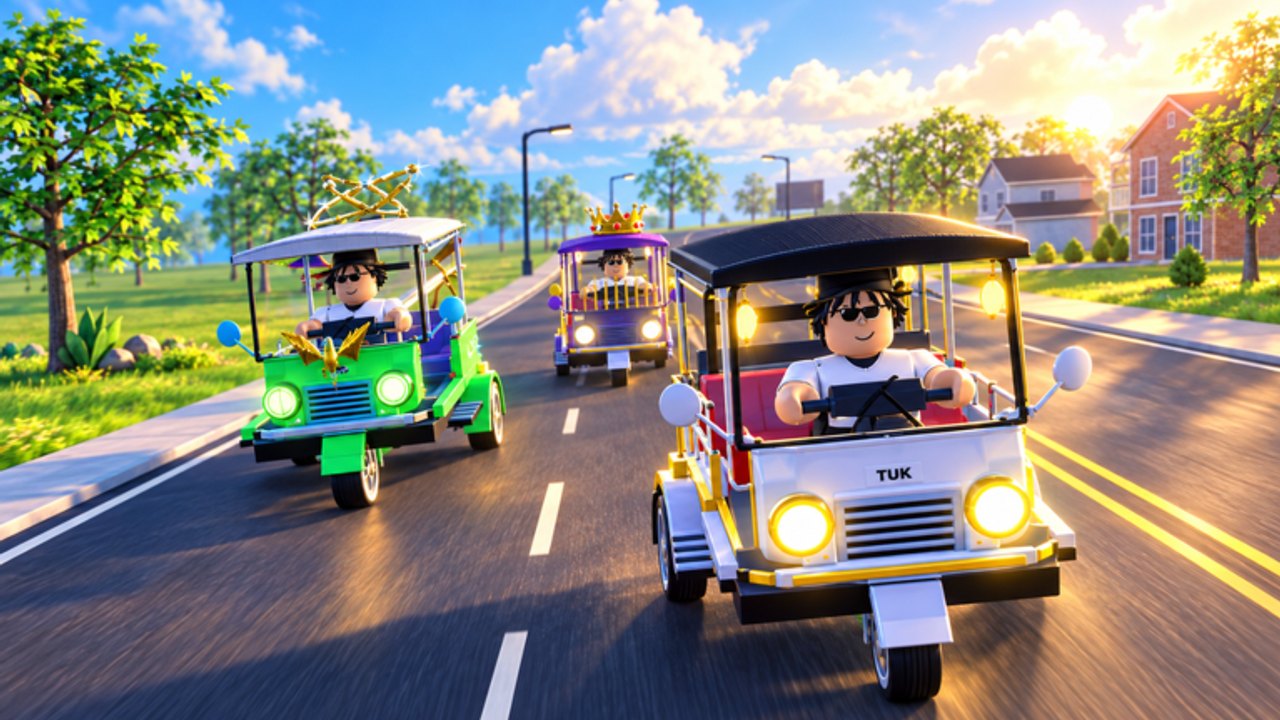
Welcome to the Drive A Tuk Tuk guides hub — the map of every how-to page on this unofficial Roblox wiki. Lumora Inc.’s free vehicle simulator looks simple from the spawn screen, but the players who climb cash and unlock faster tuk-tuks fastest treat driving, upgrades, quests, and side loops as one system. Use this hub to jump into the right deep dive instead of bouncing between random tips.
Start here
New to the experience? Open Getting Started first. It covers your opening session, what to click after you spawn, how cash scales with distance and speed, and which wiki pages to open next. Mid-article you will also find a real gameplay video from Bang Boy Gaming so you can see the loop before optimizing it.
If you already know the basics, skip straight to the specialist pages below.
All Drive A Tuk Tuk guides
| Guide | Best for |
|---|---|
| Getting Started | First session, core loop, what to unlock next |
| Earn Cash Fast | Distance/speed payouts, fares, quest stacking, upgrade timing |
| Controls | PC WASD patterns, mobile notes, nitro/drift/wheelie + Autopilot |
| Upgrades | Speed, acceleration, handling, brakes priority + cosmetics |
| Quests | Daily and weekly quest routing without wasted runs |
| Passengers | First Fare badge, deliveries, Double Drops odds |
| Stunts | Nitro, drift, wheelie, hang time, Air Fare jumps |
| Races | Roadside races and Checkered Flag checkpoints |
| Gamepasses | Robux shop: packs, premium tuk-tuks, Autopilot, Season 1 |
Each page is written for depth (not filler): expect practical checklists, internal links, and FAQs aimed at searches like “how to earn cash,” “tuk tuk upgrades,” “Drive A Tuk Tuk passengers,” and “Autopilot gamepass.”
How the core loop ties the guides together
- Drive with clean inputs — see Controls and the broader Controls Overview.
- Earn cash from farther/faster runs, passenger fares, and quests — Earn Cash Fast plus Passengers.
- Upgrade speed, acceleration, handling, and brakes before vanity spends — Upgrades.
- Customize colors, wheels, and lights once performance stats are online.
- Unlock faster tuk-tuks using progression guidance on the Tier List Hub and optional Robux chassis on Gamepasses.
- Clear daily & weekly quests for burst rewards — Quests.
- Side loops — stunt badges on Stunts, roadside checkpoint races on Races.
- Chase top speed and distance records when your build can hold a line in traffic, weather, and day/night visibility.
Environments change with weather and lighting. A route that feels free at noon can punish you in rain or night glare. The guides call out when to slow down versus when to push for record attempts.
Pair guides with other hubs
- Codes Hub — no verified active codes yet; redeem tips when strings appear.
- Scripts Hub — SoftKillz feature notes, Autopilot contrast, and account-risk warnings (optional, unsupported).
- Tier List Hub — starter → mid → endgame unlock logic including named premium stats (progression guidance, not an official Lumora ranking).
- Updates Hub — early-release and October 2026 shop-wave watching.
- Links Hub — official Roblox game page and Lumora Inc. community.
Suggested reading orders
Brand-new player (first hour)
Getting Started → Controls → Earn Cash Fast → first round of Upgrades → optional Passengers for First Fare.
Returning grinder (optimize income)
Quests → Earn Cash Fast → Passengers → Gamepasses (if spending) → Tier List Hub → Controls Overview.
Badge / stunt hunter
Stunts → Races → Controls → Air Fare notes inside Gamepasses.
Cosmetic collector
Still finish performance upgrades first, then spend leftover cash or Robux on colors/wheels/lights and Double Drops described in Upgrades, Passengers, and Gamepasses. Cosmetics do not replace acceleration when you are racing records.
Writing standards for this wiki
Every guide aims for actionable steps, locale-safe internal links with trailing slashes, and FAQs that match real player questions. We avoid invented codes, fake YouTube IDs, and copy-pasted boilerplate across pages. Mechanics confirmed by badges or gamepass text (passengers, nitro/drift/wheelie, roadside races, Autopilot) are documented as official; third-party script helpers stay clearly labeled as risk.
Use this hub as your bookmark whenever a patch lands. If an update changes payouts or unlock prices, start at Updates, then re-open the affected guide rather than trusting outdated muscle memory.
Frequently Asked Questions
Quick answers to the most common Drive A Tuk Tuk questions.
Which Drive A Tuk Tuk guide should I read first?
Start with Getting Started for the first session, then Controls and Earn Cash Fast. Add Upgrades, Quests, and Passengers once you understand the basic drive-earn loop.
Do these guides cover codes and scripts?
Codes and scripts have their own hubs. Guides focus on legitimate play: driving, cash, upgrades, controls, quests, passengers, stunts, races, and official gamepasses.
Is there a video for beginners?
Yes. The Getting Started and Passengers guides embed real Bang Boy Gaming gameplay, and the Gamepasses guide embeds Lumora’s official trailer.
Where do I learn tuk-tuk unlock order?
Use the Tier List Hub for starter-to-endgame progression guidance (including named premium stats), then confirm prices in your live shop UI after each patch.
Where are Autopilot and Double Drops explained?
See the Gamepasses shop guide for Autopilot, multipliers, and premium tuk-tuks. Double Drops odds and First Fare tips live on the Passengers guide.