Drive A Tuk Tuk Upgrades Guide
Spend cash on the stats that raise your next loop — then unlock cosmetics and faster tuk-tuks.
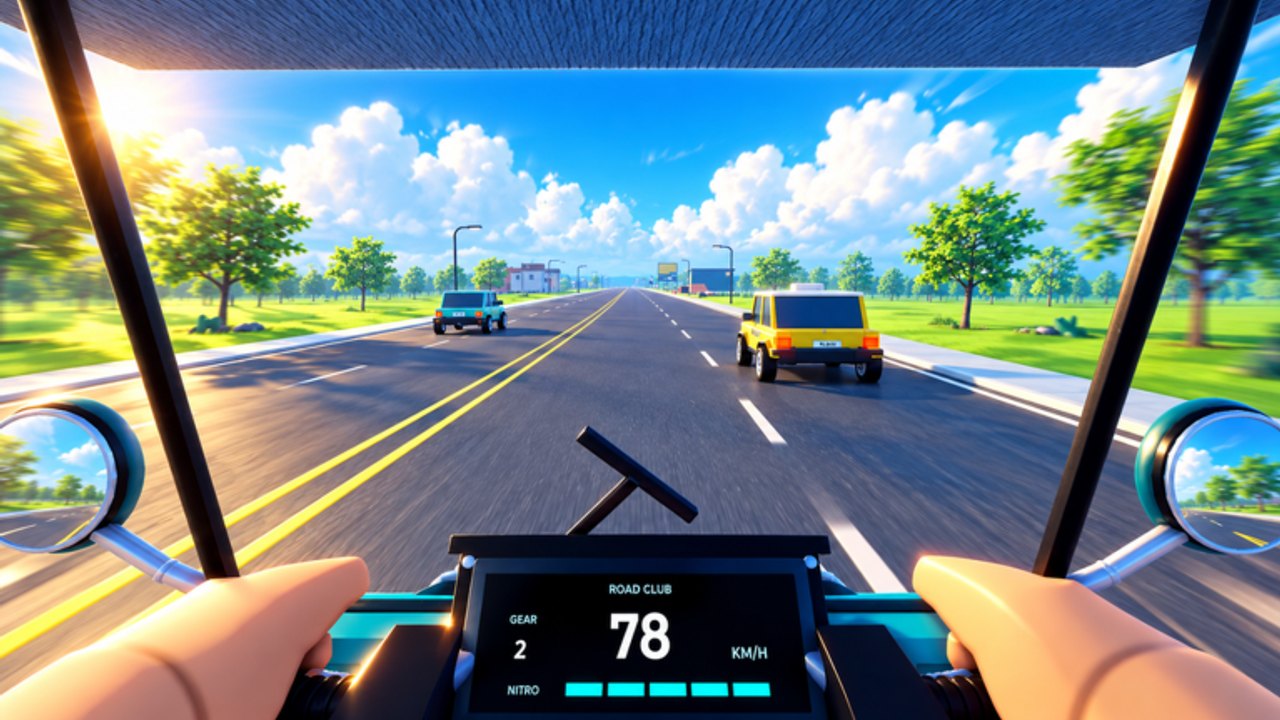
Upgrades are how Drive A Tuk Tuk turns today’s cash into tomorrow’s faster loops. Lumora Inc.’s simulator lets you improve speed, acceleration, handling, and brakes, customize colors / wheels / lights, and unlock faster tuk-tuks. Spending in the wrong order feels busy but leaves you poor. This guide gives a practical priority stack for legitimate play.
Pair it with Earn Cash Fast so each purchase has a measurable payoff on your cash circuit.
The four performance stats
| Stat | What it changes | Buy early when… |
|---|---|---|
| Speed | Raises top-end velocity on open stretches | You already hold a clean line and want higher payouts |
| Acceleration | Shortens time to return to cruise after turns/stops | Your average speed dies in cities or after every brake |
| Handling | Improves turn response and stability | You plow wide or ping-pong between curbs |
| Brakes | Shortens stopping distance | You enter traffic or downhill stretches too hot |
Think of speed as the ceiling, acceleration as the recovery, handling as the precision tool, and brakes as the safety net. Records care about ceiling; cash/hour cares about all four working together.
Recommended priority by player stage
Stage 1 — Starter survival (first upgrades)
- One tick of acceleration if you feel sluggish leaving spawn turns.
- One tick of brakes or handling if you crashed twice on the same corner.
- Then speed once you can finish a mid loop without a reset.
Do not max speed first while you still bounce off every curb. High top speed with weak brakes is how beginners fund repair time instead of unlocks.
Stage 2 — Cash compounding
Alternate speed and acceleration so your average velocity on the farming circuit rises. Sprinkle handling when a new district adds tighter geometry. Keep brakes within one or two levels of your speed investment so emergency stops remain realistic.
Re-test after every two purchases using the drills in Controls. If a upgrade does not change your 10-minute cash rate, redirect savings toward the next tuk-tuk unlock.
Stage 3 — Unlock vs. tweak
When the shop shows a clearly faster tuk-tuk within reach, stop cosmetic spending and compare:
- Cost of two more starter stats versus the unlock price.
- Whether the new vehicle’s base stats beat your upgraded starter on open roads.
Use the Tier List Hub as progression guidance (starter → mid → endgame unlock logic), not as a promise of official tier names from Lumora.
Stage 4 — Endgame polish
Push the remaining performance gaps on your best vehicle, then spend overflow on cosmetics. Record attempts (top speed / distance) deserve a dedicated session after brakes and handling can support the speed you paid for. Deeper habits live on the Controls Overview page.
Cosmetics: colors, wheels, lights
Customization is part of the fantasy — just not part of the economy engine. Rules of thumb:
- Buy looks with overflow cash after performance breakpoints.
- Lights can help visibility at night for you as a driver, but do not treat them as a substitute for careful camera work.
- Wheels/colors are identity. Enjoy them after your cash/hour graph is healthy.
If a future patch adds paid cosmetic crates, still keep the same rule: stats first on the vehicle you actually grind with.
Unlocking faster tuk-tuks
Faster unlocks are the big gear shifts in Drive A Tuk Tuk. Approach them like this:
- Confirm the price in the live UI (patches change numbers).
- Estimate how many clean cash circuits you need using your current 10-minute earn rate.
- Finish daily/weekly quests first — see Quests — because lump sums shorten the save timer.
- After purchase, immediately re-tune acceleration/brakes to the new vehicle’s weight and turn-in.
- Rebuild your cash circuit; a faster tuk-tuk often unlocks longer routes that the starter could not finish safely.
Sample spend plans
Budget plan (low crash skill)
Handling → brakes → acceleration → speed → save for next tuk-tuk → cosmetics last.
Aggressive plan (already smooth on controls)
Acceleration → speed → brakes → handling as needed → unlock as soon as the speed gap is obvious.
Quest-heavy plan
Keep enough cash liquid to finish any “spend/upgrade” style objectives without derailing your unlock save. Turn in rewards, then resume the plan above.
Mistakes that waste upgrades
- Maxing cosmetics on the starter while a mid-tier tuk-tuk sits one session away.
- Buying speed four times in a row after every drive ends in a wall.
- Ignoring brakes before night or rain sessions.
- Forgetting to re-upgrade after an unlock (new vehicle ≠ fully upgraded vehicle).
- Using scripts to skip learning — automation risks accounts and teaches nothing about setup; read Scripts only for awareness.
Synergy with the rest of the wiki
- New players: Getting Started.
- Income math: Earn Cash Fast.
- Input quality: Controls.
- Free bonus cash when available: Codes.
- Patch shocks to prices: Updates.
Upgrade like an investor: each purchase should shorten the time to the next meaningful unlock or the next personal record, not just decorate the garage.
Frequently Asked Questions
Quick answers to the most common Drive A Tuk Tuk questions.
What upgrade should I buy first in Drive A Tuk Tuk?
If you crash often, buy handling or brakes first. If you feel slow exiting turns but stay stable, buy acceleration, then speed.
Do colors, wheels, and lights make me faster?
No. They customize appearance. Performance comes from speed, acceleration, handling, and brakes, plus unlocking faster tuk-tuks.
Should I fully upgrade the starter before unlocking another tuk-tuk?
Not always. If a faster unlock is close and clearly stronger, saving can beat dumping cash into tiny starter gains.
Why did my new tuk-tuk still feel weak?
New unlocks still need their own acceleration, handling, and brake investments. Retune immediately after purchase.
How do quests affect upgrade planning?
Daily and weekly rewards can fund entire upgrade ticks. Clear them before long cosmetic shopping sprees.